> ## Documentation Index
> Fetch the complete documentation index at: https://differentai-feat-den-selfhost-tarball.mintlify.site/llms.txt
> Use this file to discover all available pages before exploring further.
# Add a custom MCP server
> Connect a custom or local MCP server that is not available through OpenWork Connect
Use this guide only when you need a custom or local MCP server that is not available through OpenWork Connect.
For Gmail, Google Calendar, Google Drive, Slack, Notion, Linear, and other
managed services, follow [Connect your services](/start-here/connect-your-stack/connect-services).
Connecting a custom app with OpenWork takes four clicks.
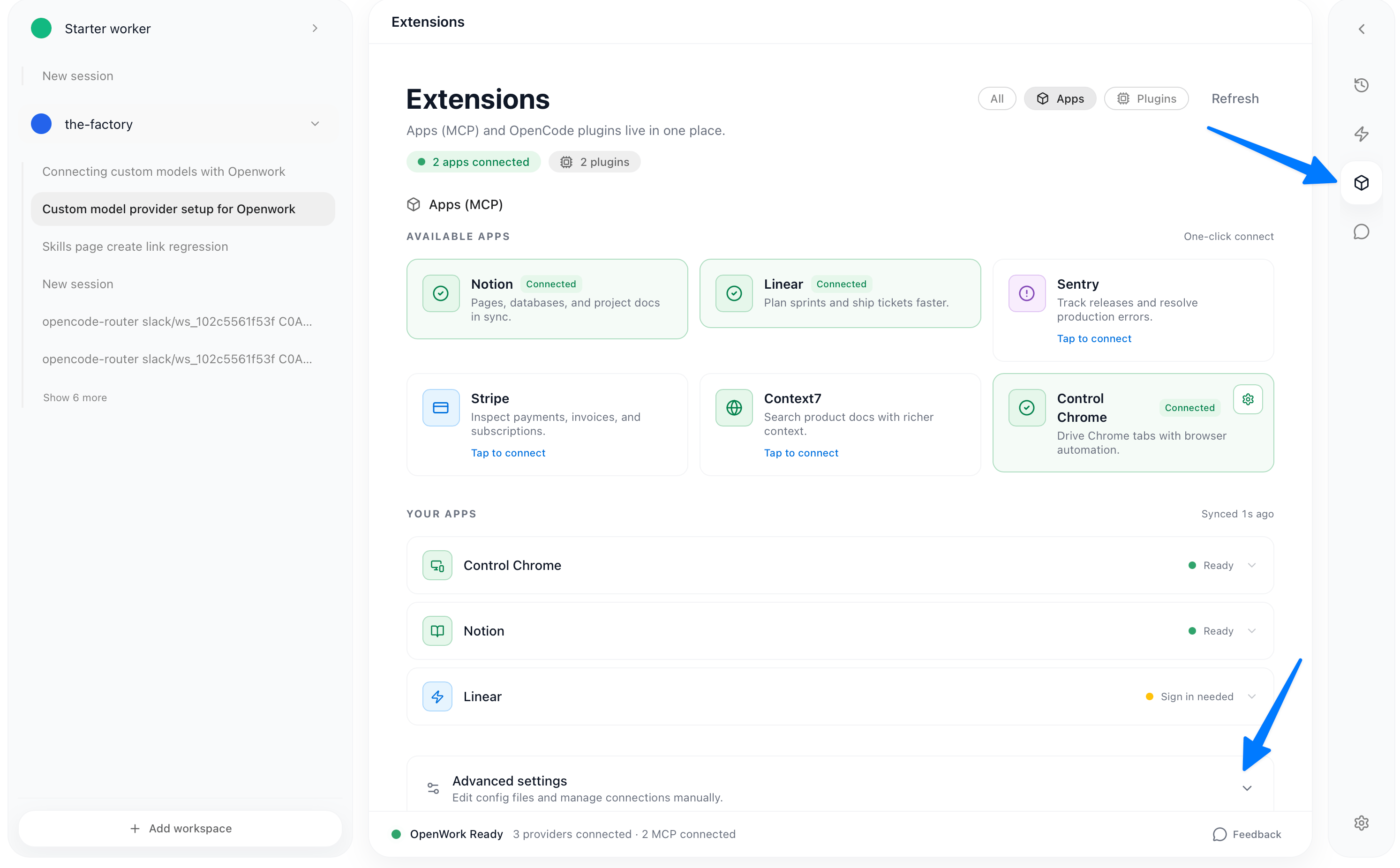
* In the desktop app, open `Settings` > `Extensions`, then click `Add Custom App`
 You can add the app to this workspace or to your global configuration for all workspaces.
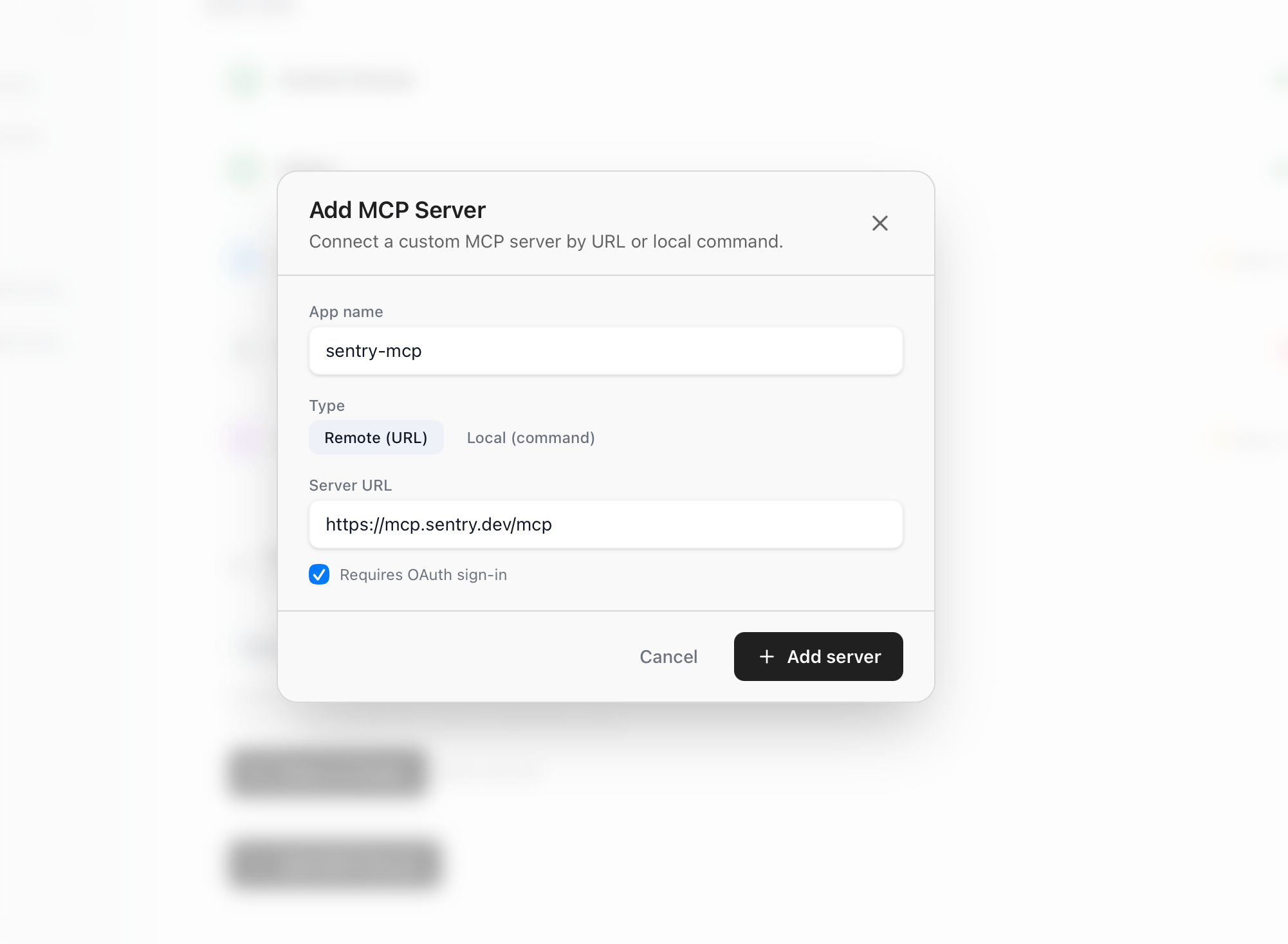 Indicate whether the server requires OAuth.
This setup is intended for servers that support dynamic OAuth client registration.
Indicate whether the server requires OAuth.
This setup is intended for servers that support dynamic OAuth client registration.
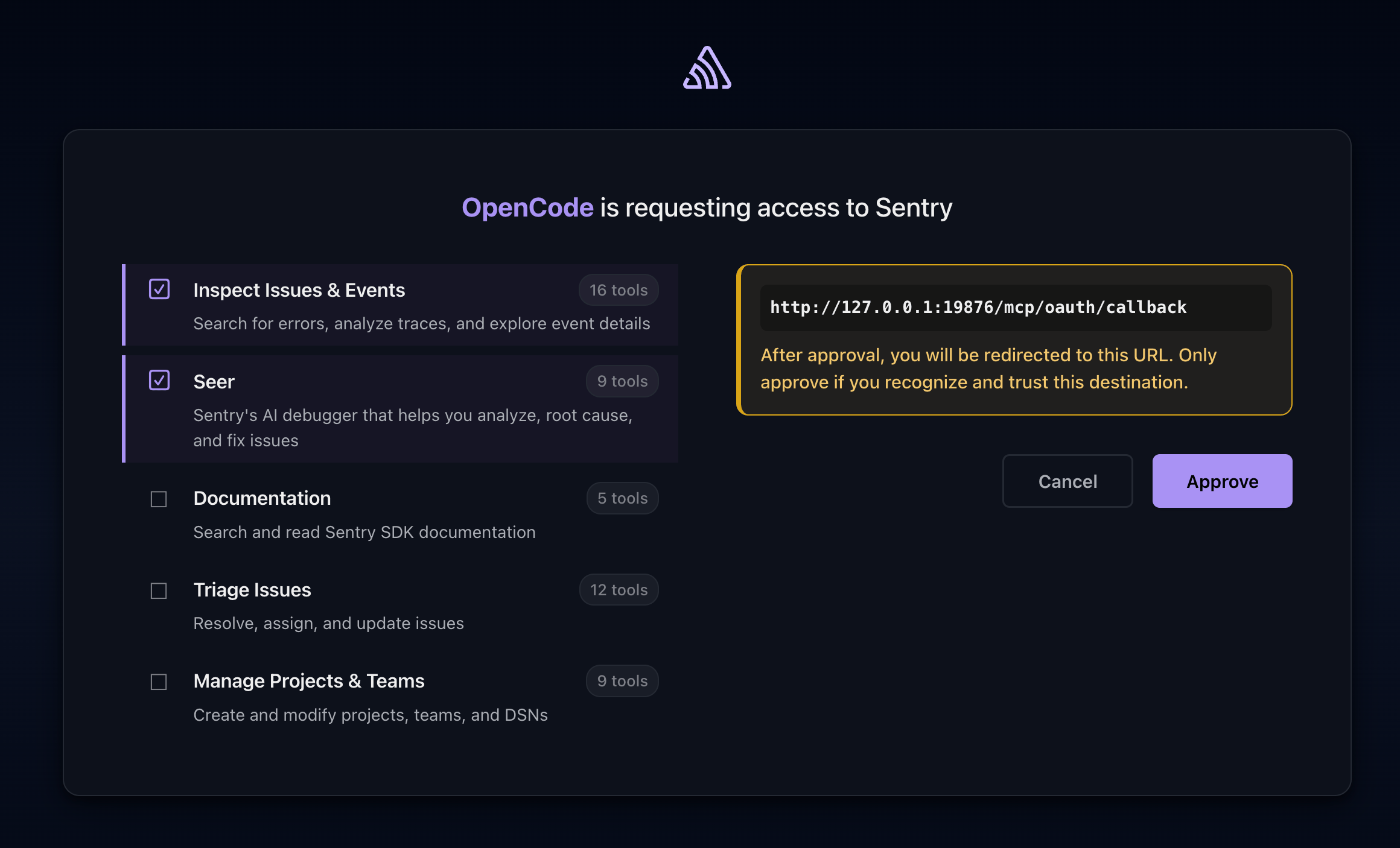 Complete the provider's OAuth approval flow in your browser. It should redirect
back to OpenWork. If a custom MCP needs behavior OpenWork does not support,
[open an issue](https://github.com/different-ai/openwork/issues/).
### Troubleshooting
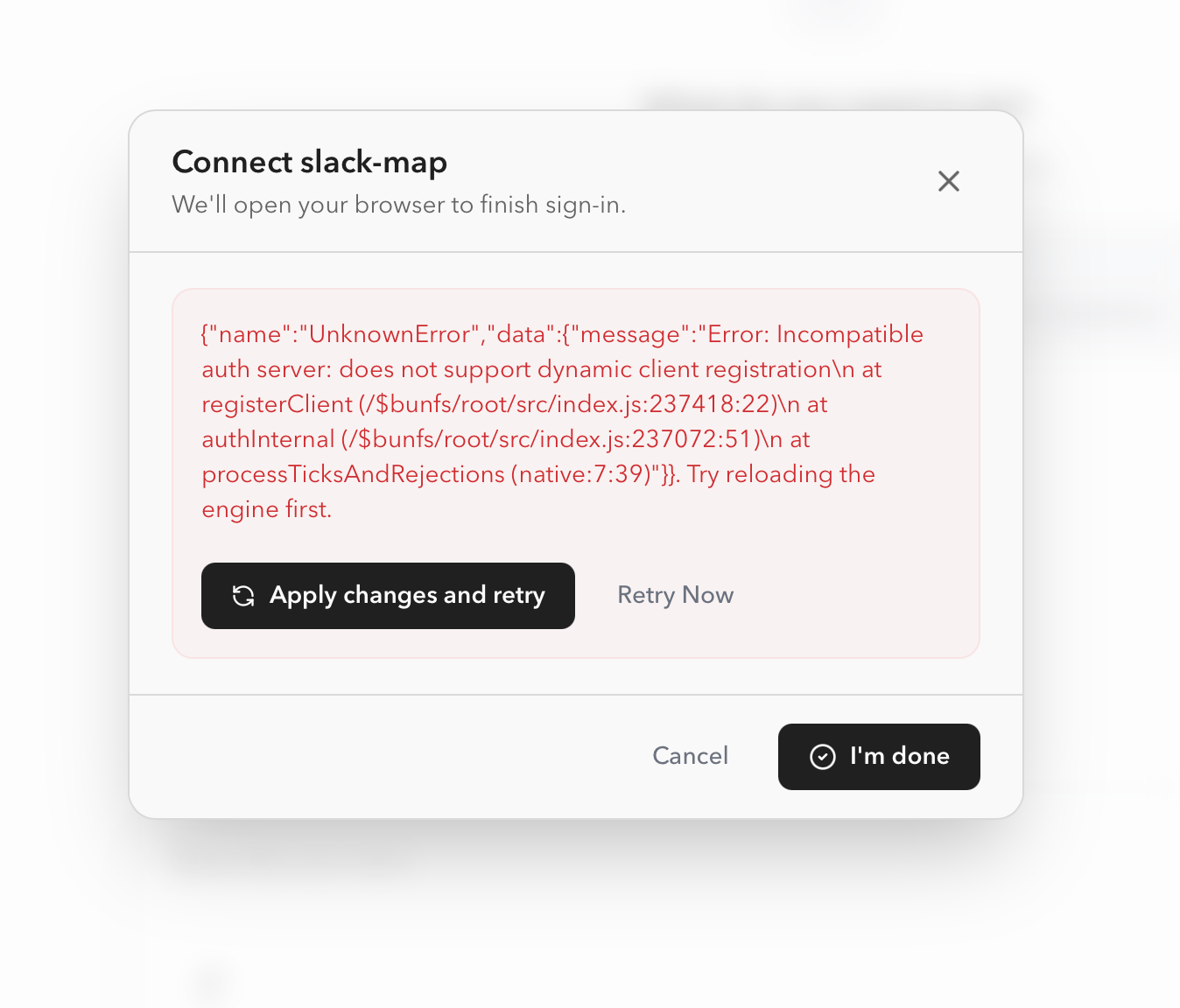
Some MCP servers do not support dynamic client registration. If the server gives you a pre-registered OAuth client ID and client secret, add it through `Add Custom App` > `Advanced OAuth`.
For an advanced local Slack setup, follow
[Connect Slack as a custom MCP](/start-here/connect-your-stack/connect-slack-mcp).
Complete the provider's OAuth approval flow in your browser. It should redirect
back to OpenWork. If a custom MCP needs behavior OpenWork does not support,
[open an issue](https://github.com/different-ai/openwork/issues/).
### Troubleshooting
Some MCP servers do not support dynamic client registration. If the server gives you a pre-registered OAuth client ID and client secret, add it through `Add Custom App` > `Advanced OAuth`.
For an advanced local Slack setup, follow
[Connect Slack as a custom MCP](/start-here/connect-your-stack/connect-slack-mcp).